TikTok Mockup Generator

Create realistic TikTok mockups in seconds - preview videos, profiles and grids before you publish.

New Templates Added!

Always growing

New templates added regularly

The mockup library grows every month - new platforms, new UI states, new dark-mode variants. Follow us for updates, or sign up and we'll email you when new templates drop.

Everything you need to present TikTok content

Show clients exactly how their content will look on TikTok - before it goes live. No design skills required.

Video mockups

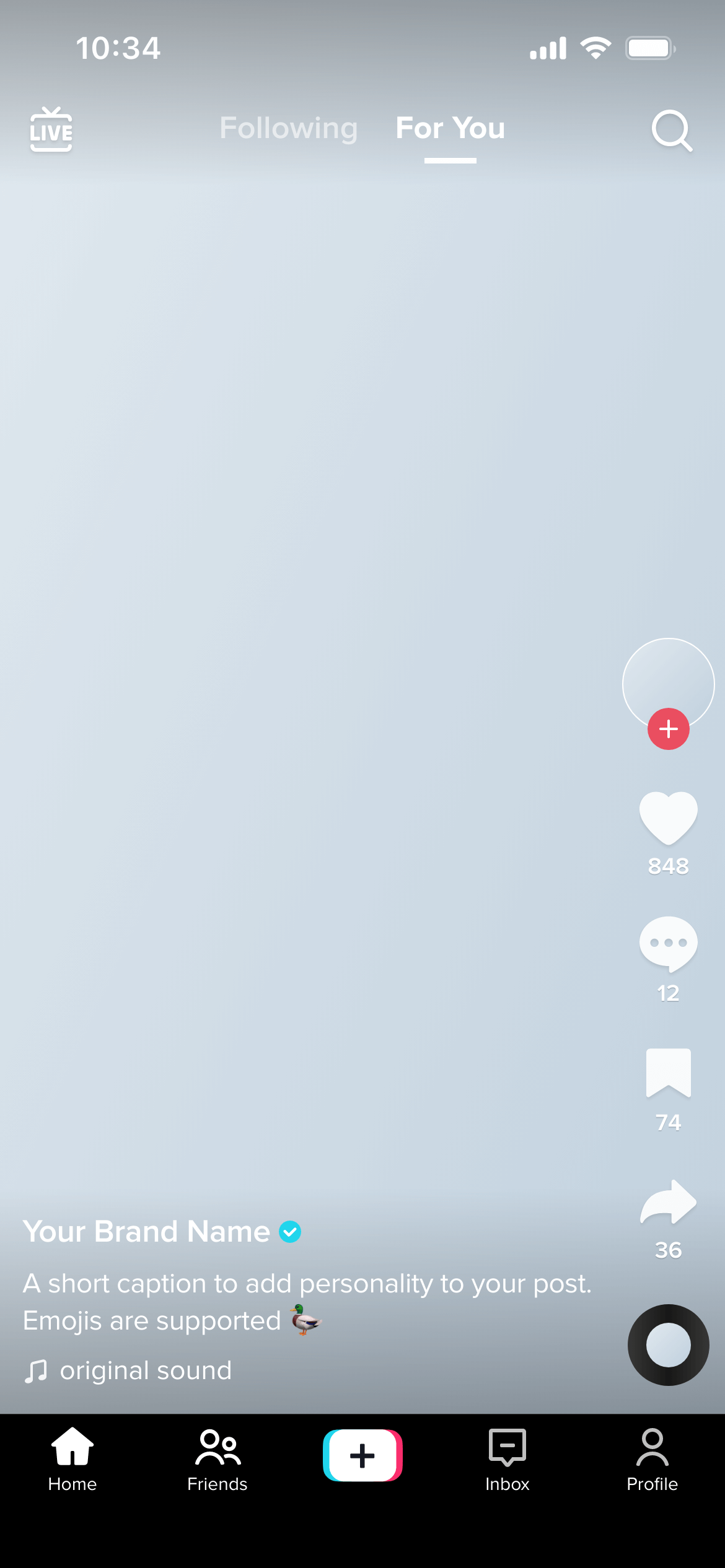
Preview TikTok videos in full 9:16 format - complete with the TikTok UI overlay, username, caption and sound bar.

Profile mockups

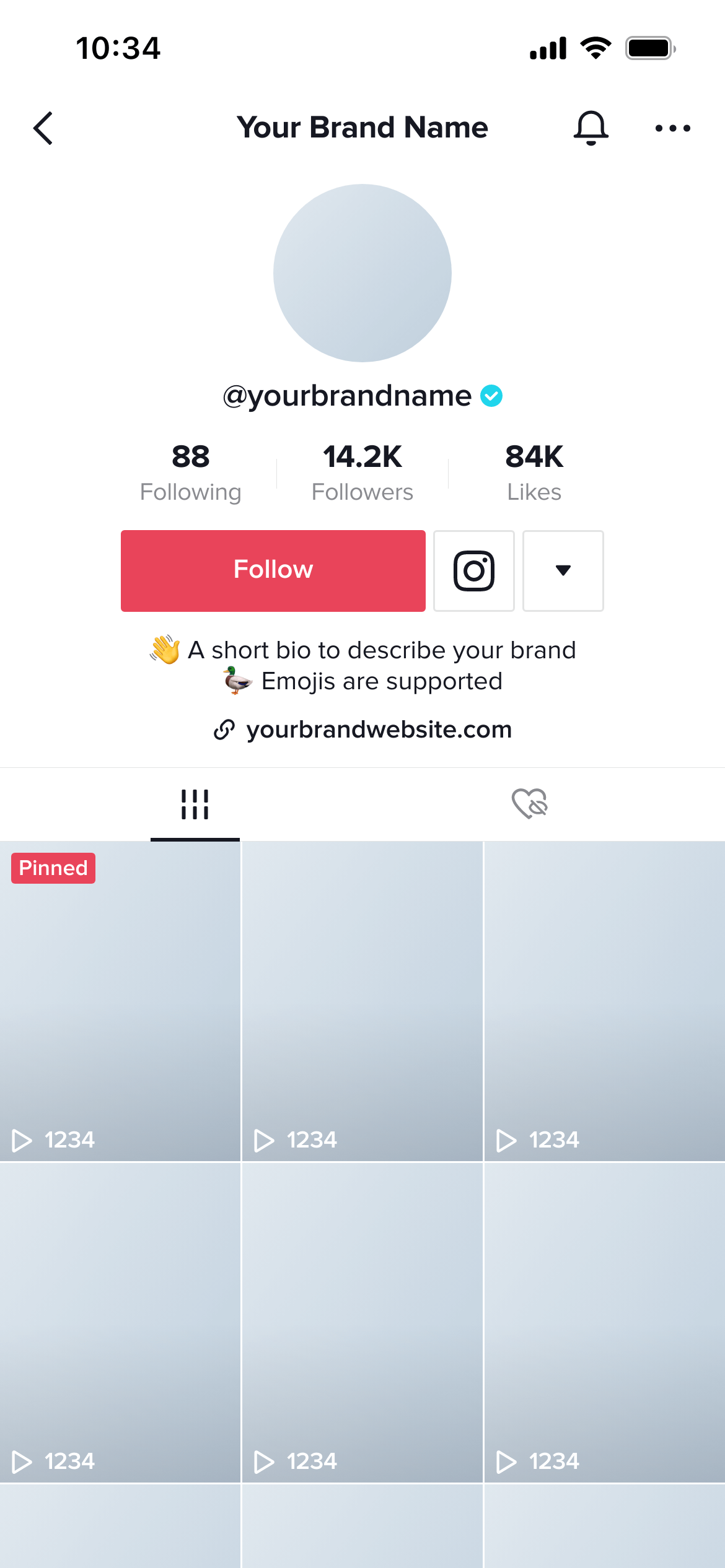
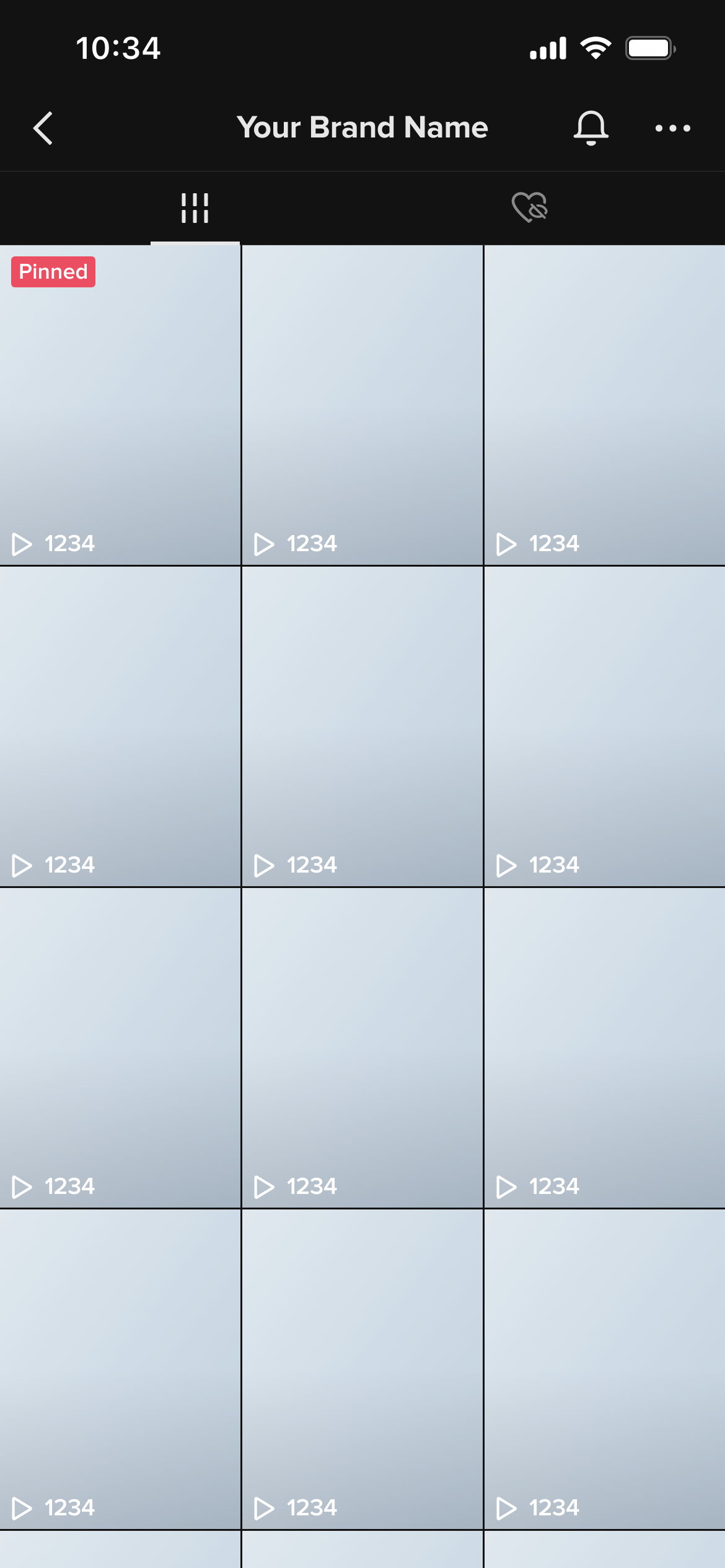
Preview the full TikTok profile screen - profile photo, bio, follower counts and video grid - so clients can sign off on the full look.

Grid mockups

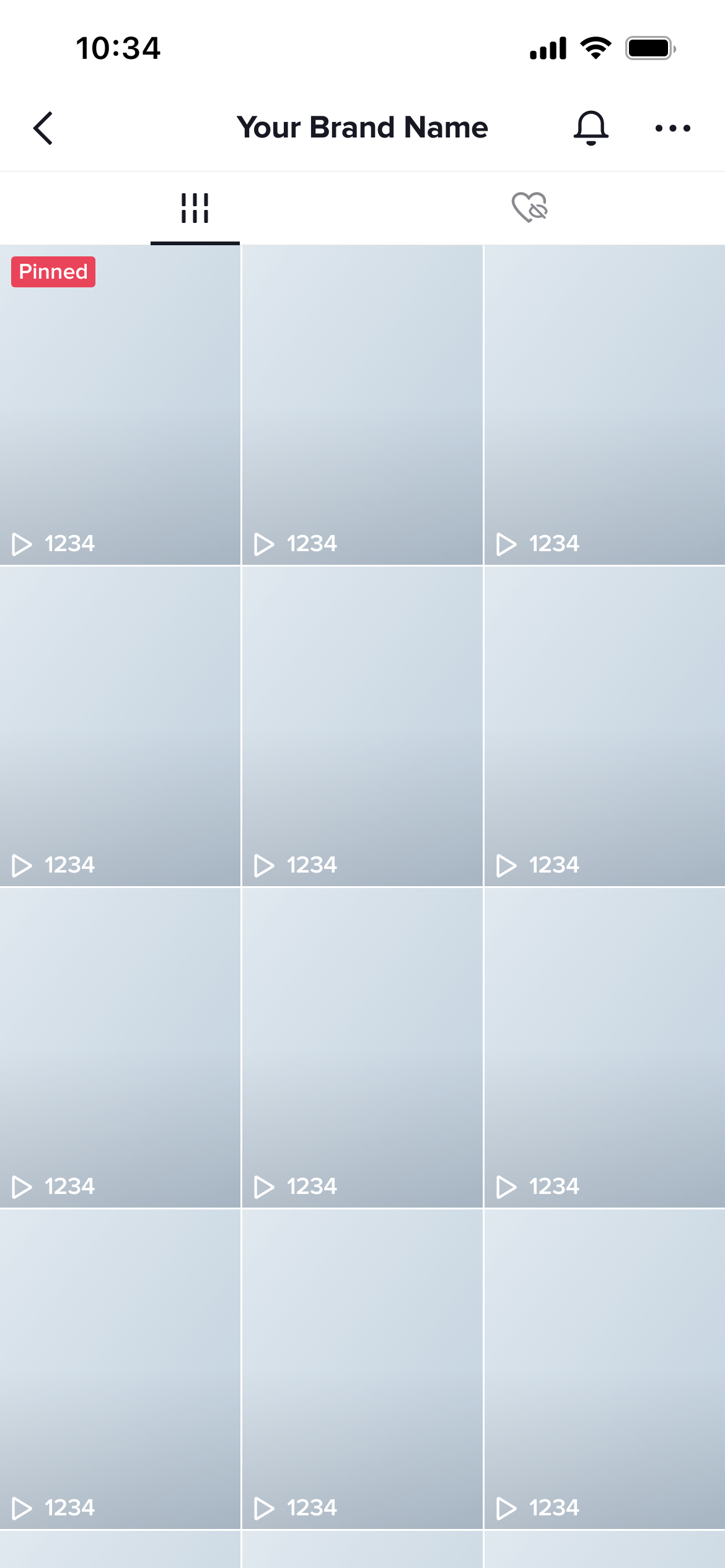
Preview how upcoming videos will sit together in the TikTok profile grid - perfect for visualising content calendars.

Light & dark mode

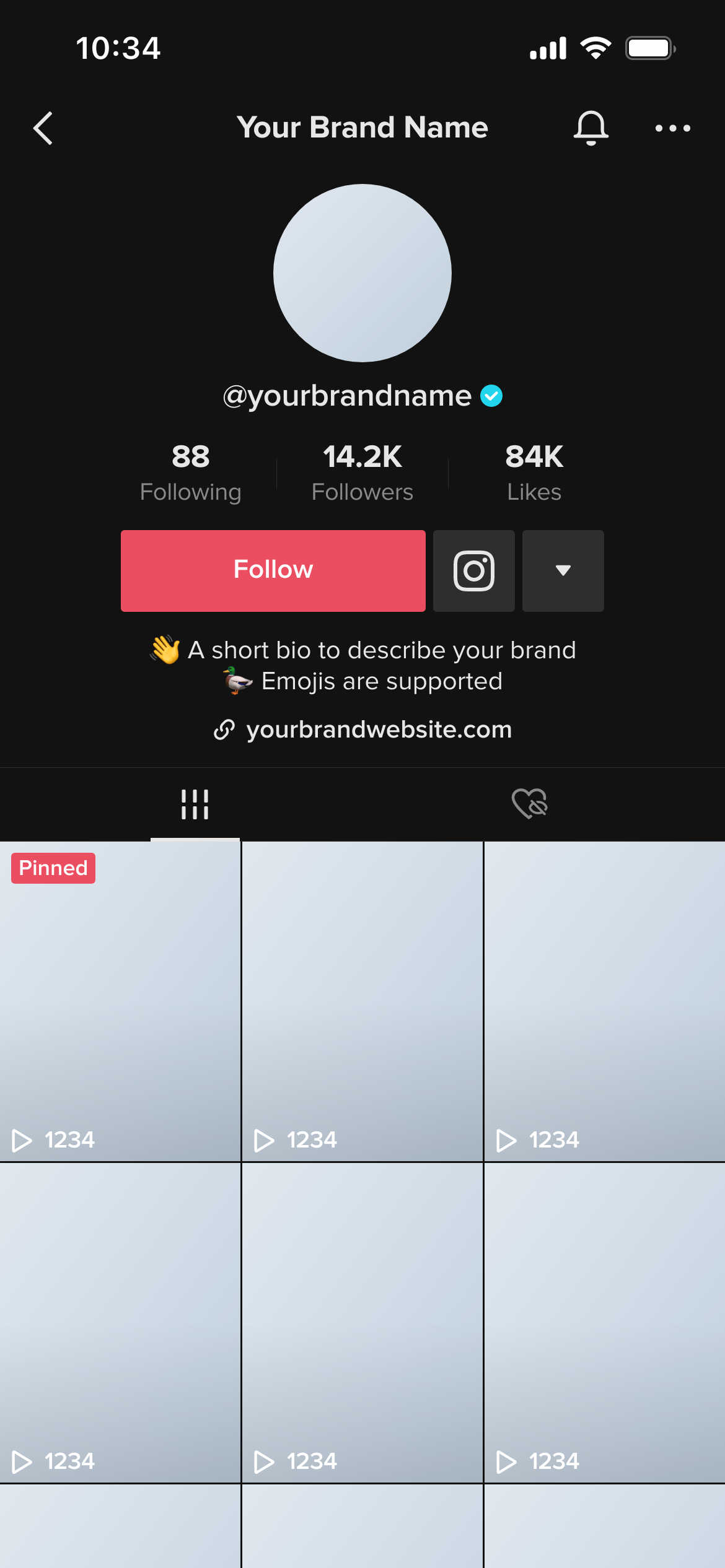
Every template is available in light and dark mode so your mockups match how your clients actually use the app.

Thumbnail mockups

Use a still image as your video thumbnail and preview it in the full TikTok UI - great for showing clients the cover frame.

Shareable review links

Send clients a magic link to review mockups and leave comments - no account required on their end.

From upload to approved in minutes

A faster, cleaner approval process - so you spend less time on email and more time creating.

1

Pick a template

Choose from TikTok video, profile or grid templates - light or dark mode.

2

Add your content

Upload your thumbnail image, type the caption, set the username and watch the mockup update in real time.

3

Share for approval

Send a shareable review link to your client. They leave feedback directly - no login needed.

It's a whole lot more than just a mockup

Everything you need for a professional TikTok content workflow.

TikTok templates

  • Video (9:16 full screen)
  • Profile screen (bio, counts & grid)
  • Grid preview (3-column layout)
  • Light & dark mode variants

Mockup builder

  • Real-time live preview
  • Upload your own thumbnail image
  • Customisable username, caption & likes
  • High-resolution PNG export
  • No design skills needed

Client approvals

  • Shareable review link (no client login)
  • Inline comments & feedback
  • One-click approve or request changes
  • Group multiple mockups in one workspace
  • Email notifications on approval

Frequently asked questions

Everything you need to know about TikTok mockups.

What is a TikTok mockup?
A TikTok mockup is a realistic preview that shows how a video, profile or grid will look inside the actual TikTok app - before it's published. You upload your content, and the mockup wraps it in the real TikTok interface so clients and stakeholders can visualise the final result.
Do I need design skills to use Mockupduck?
No design skills needed at all. Just pick a template, upload your thumbnail image, fill in the caption and username, and your mockup is ready to share. Everything happens in the browser - no software to install.
What TikTok mockup templates are available?
We have templates for TikTok video screens, profile pages and the video grid view - in both light and dark mode. New templates are added regularly.
Can my clients review mockups without an account?
Yes. You share a review link and your client can view the mockup, leave comments and approve or request changes - all without creating an account. It's completely frictionless for them.
Is there a free plan?
Yes. You can use Mockupduck for free with access to all light-mode TikTok templates. Pro templates (dark mode) and unlimited workspaces are available on our paid plan. See pricing →

Create your first mockup today

Join thousands of social media marketers like you using Mockupduck to plan, visualize and get fast approval on their social media content