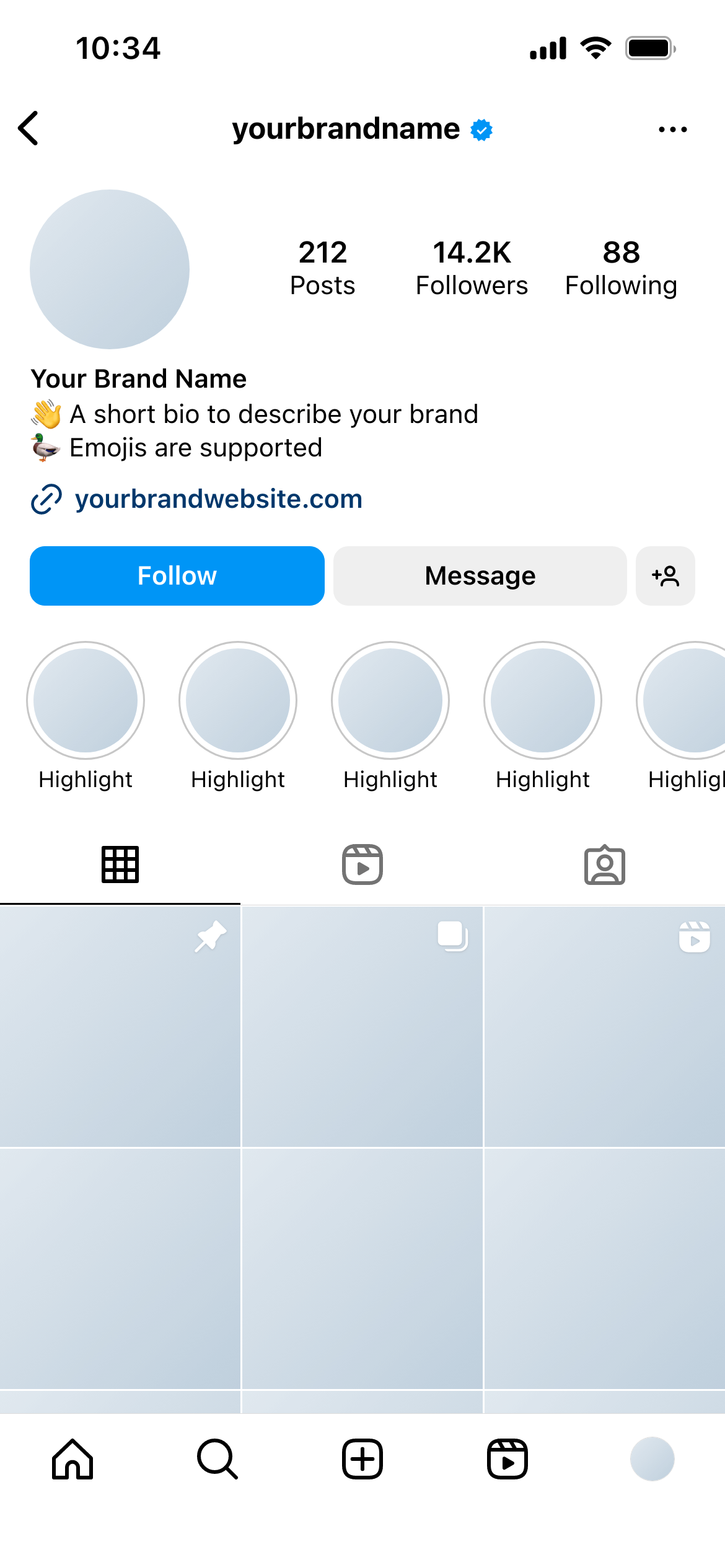
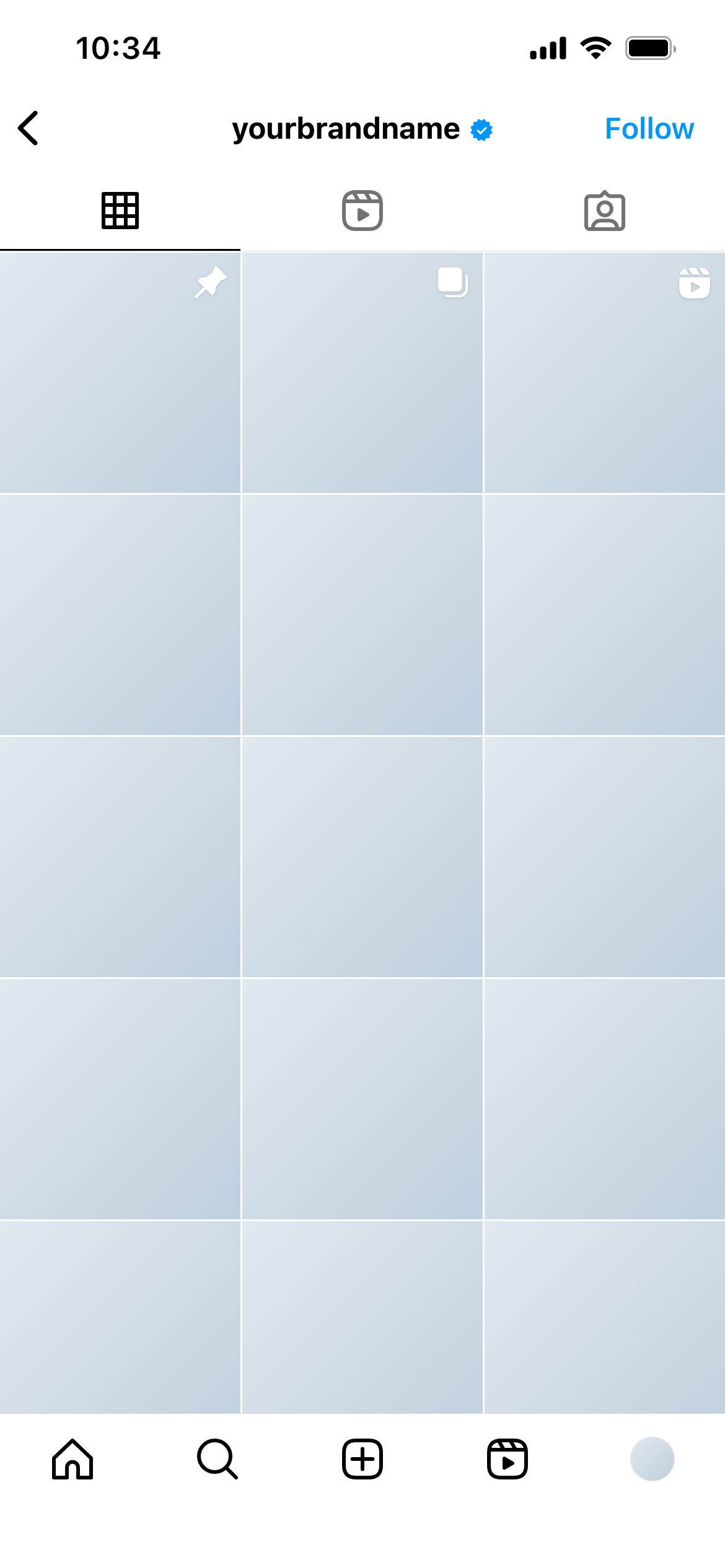
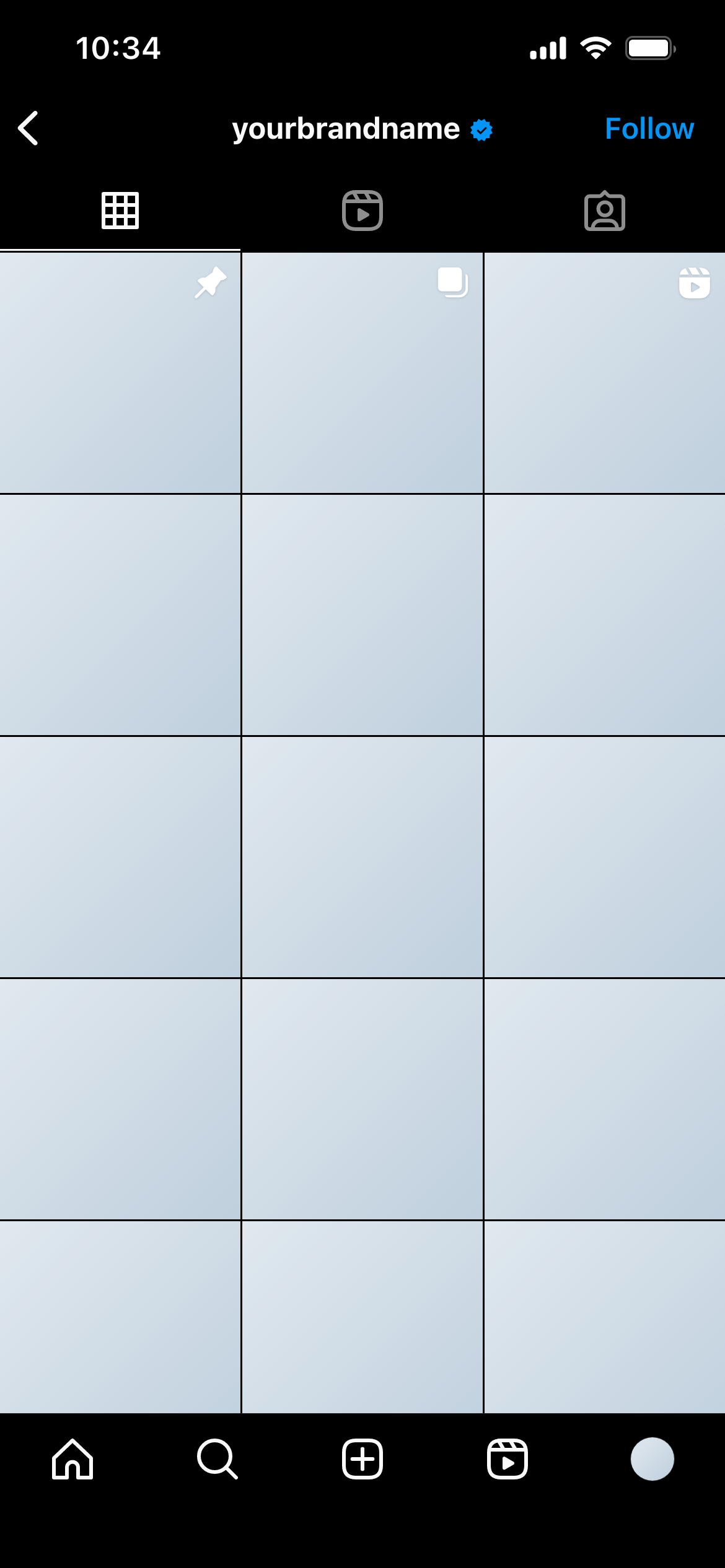
Create real Instagram Post mockups using our mockup builder - no Photoshop or design skills needed.
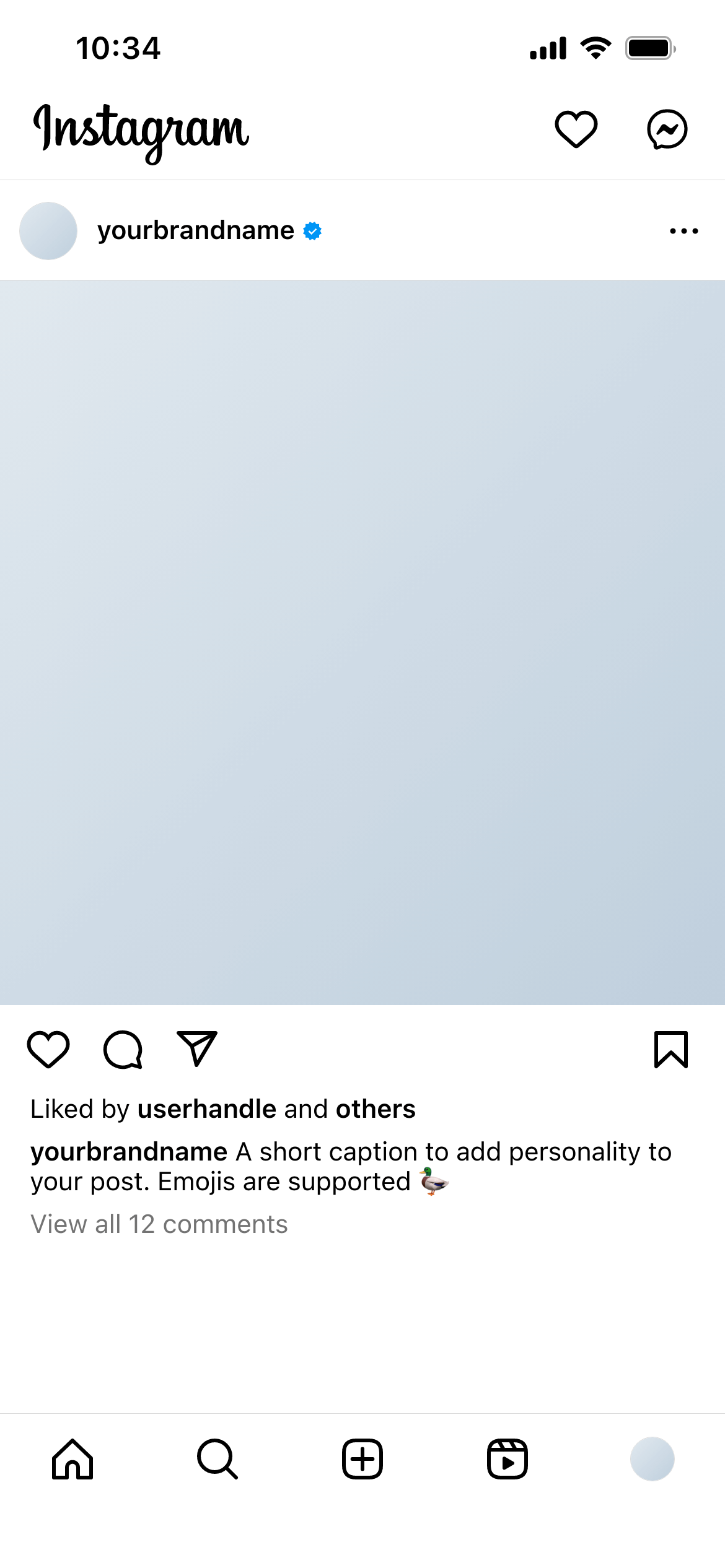
An Instagram post mockup is a realistic preview of how a single feed post will look in the Instagram app - with the profile photo, username, image, caption, like count and comment preview all shown exactly as they appear on the platform. It lets you present content to clients in its real context, not as a flat image attached to an email.
A flat image export tells your client what the content looks like. A mockup tells them how it will actually appear in the feed - with the account branding around it, the caption below, and the engagement counts that give it social context.
Clients who review content in context make better decisions. They can evaluate whether the caption length feels right, whether the image crops well, and whether the post fits the visual style they expect from the account - all before anything is published.
Content batches - Build a mockup for each post in a weekly or monthly batch, group them in a workspace and send one review link. Clients see the whole batch in sequence and can evaluate consistency across posts.
New account launches - Mock up the first three to six posts before launch so clients can approve the visual direction before any content goes live.
Campaign pitches - Show how a paid campaign’s creative will look in the organic feed format. Clients often respond better to seeing content in context than reviewing an isolated asset.
A/B testing two directions - Create two mockups with different approaches to the same brief and present them side by side. Makes the decision concrete rather than abstract.
Use real caption copy. Placeholder text obscures the actual reading experience. Even a rough draft caption helps clients evaluate whether the tone is right.
Set realistic engagement numbers. For an established account, use real figures. For a new one, numbers in the low hundreds read more naturally than perfectly round numbers.
Consider the crop. Instagram displays square (1:1), portrait (4:5) and landscape (1.91:1) formats. Make sure your image is cropped to the intended ratio before uploading.
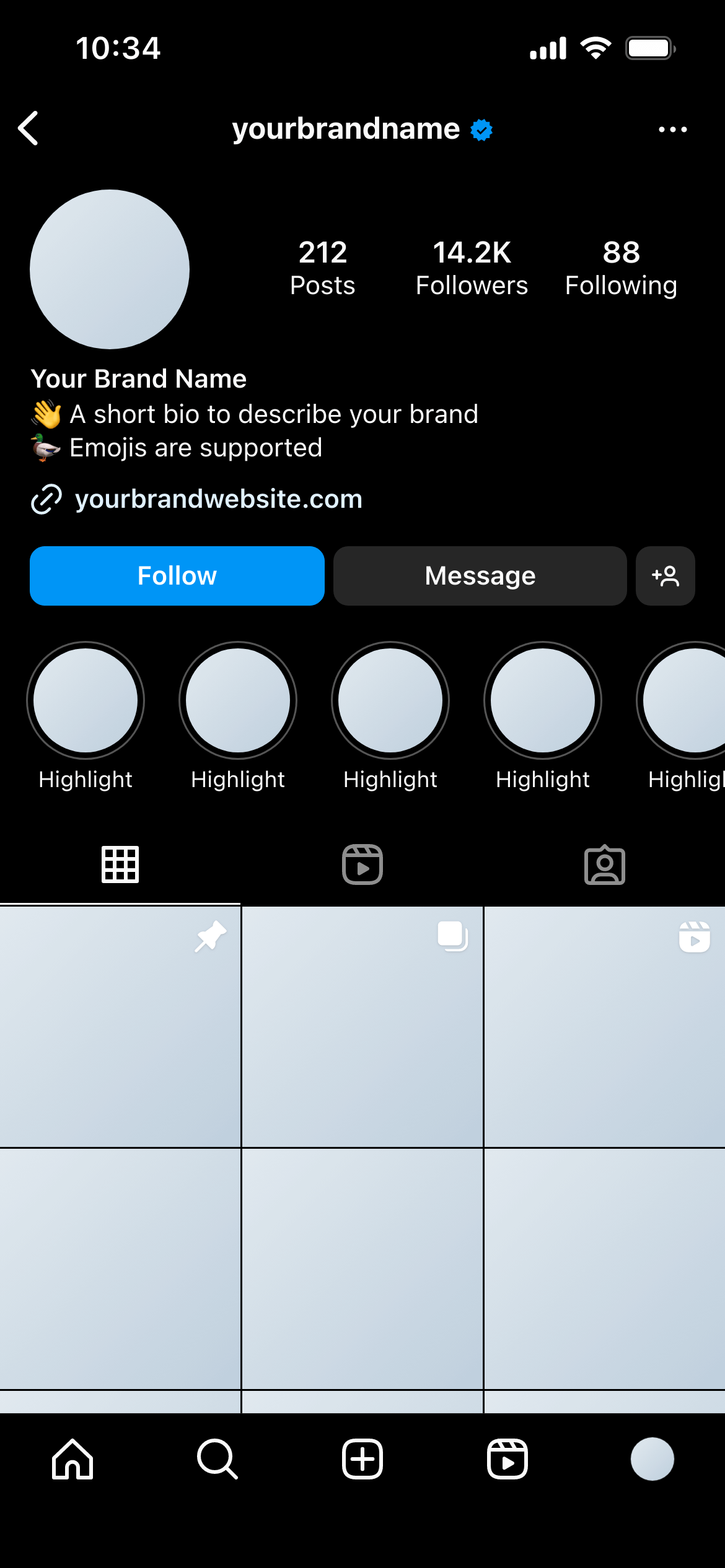
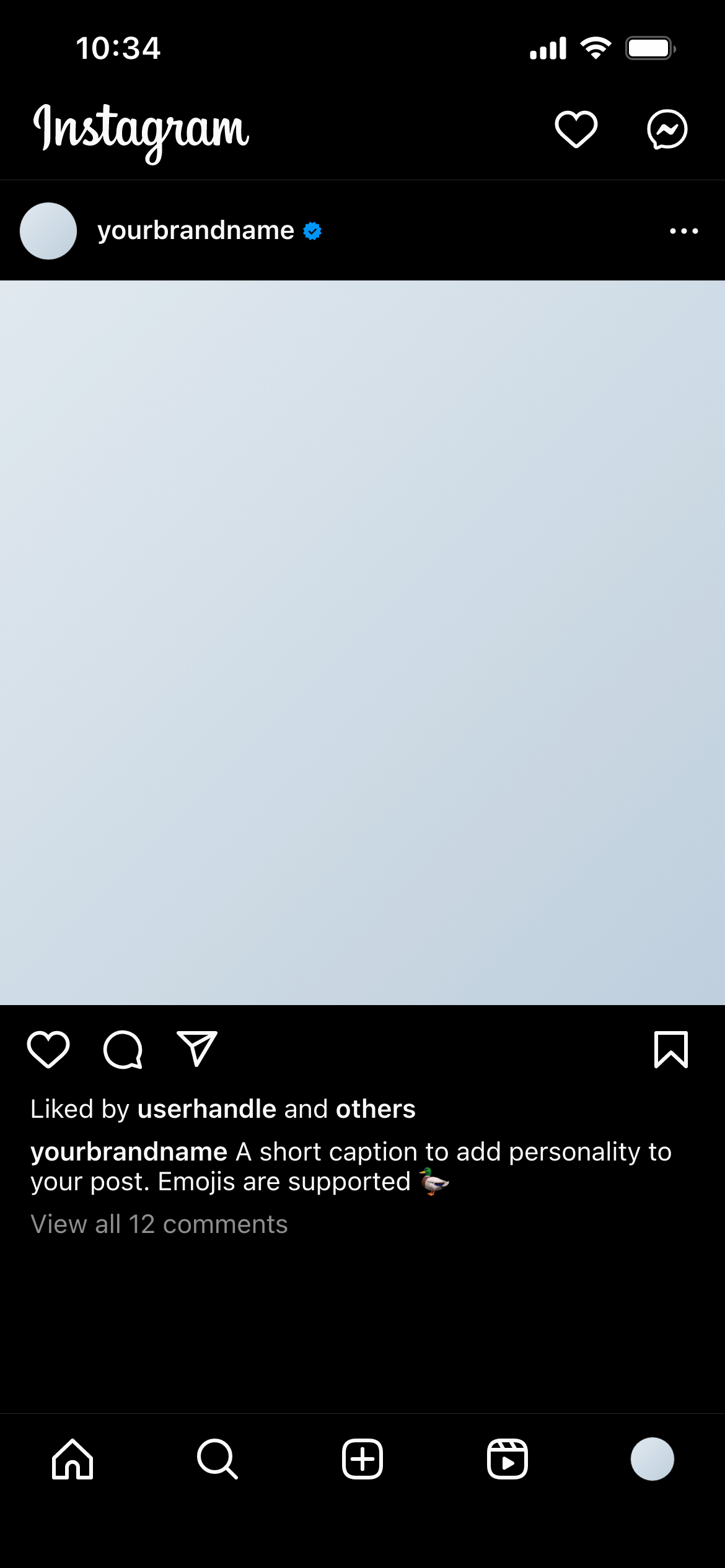
Check it in dark mode. Many users browse Instagram in dark mode. Mockupduck shows the same post in both light and dark themes.
Join thousands of social media marketers like you using Mockupduck to plan, visualize and get fast approval on their social media content