Team Collaboration

Your whole team,every project organised.

Invite your team, organise work into workspaces, and keep everyone on the same page - from the designer building mockups to the account manager chasing sign-off.

  • No credit card required
  • Get your first mockup in seconds
Invite teammates and collaborate on social media mockups

Invite your whole team

Add teammates with a single invite. Everyone lands in the same account and can build mockups, manage workspaces and see the same projects - no separate logins or file-sharing required.

Workspaces to organise social media projects by client or campaign

One workspace per client or campaign

Keep every project cleanly separated. Create a workspace for each client or campaign, add all the relevant mockups, and your whole team always knows exactly where to find things.

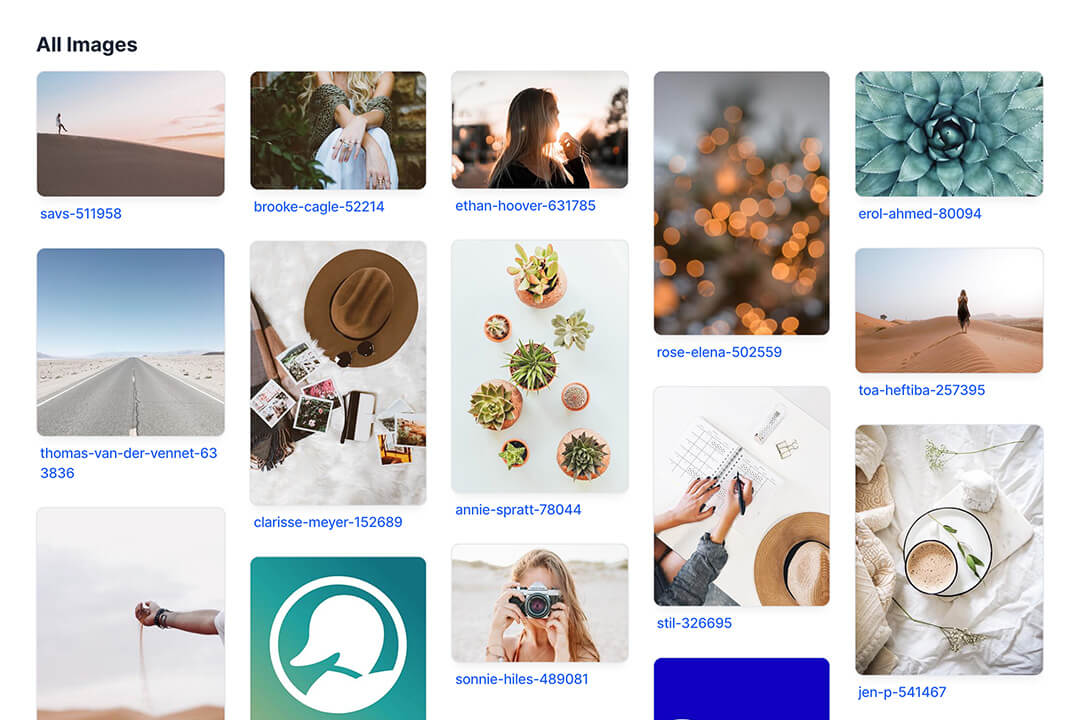
Shared asset library - upload once, use across the whole team

One asset library, shared across your team

Upload a client's logo or brand assets once and every teammate can use them instantly. No more digging through Slack for the right file or re-uploading the same image for every new mockup.

Send clients a review link - no account needed

Loop in clients without adding them to your team

When work is ready for sign-off, send a magic review link. Clients see the mockups and leave feedback on the same page - no account, no app, no friction. Your internal team handles the rest.

Built for agencies and in-house teams

Whether you're a two-person freelance duo or a full-service agency, Mockupduck gives your team one place to create, review and ship social media content.

Team access

Invite as many teammates as you need. Everyone sees the same workspaces and can build and edit mockups together.

Project workspaces

Separate workspaces for every client and campaign keep projects clean - no crossed wires, no accidental sharing.

Shared mockup library

All mockups created by your team live in one place. Anyone on the team can view, edit or share them.

Centralised feedback

Client comments land in the workspace, visible to your whole team. No forwarding emails or copying feedback from a PDF.

Private by default

Mockups are only shared when your team is ready. Clients see exactly what you send them - nothing more.

White-label reviews

Upload your agency logo and clients see your brand on every review page - not Mockupduck's.

Frequently Asked Questions

How do I invite teammates?
From your Mockupduck account, head to the Team settings and enter your teammate's email address. They'll receive an invite link and land straight into your shared account once they accept.
Can teammates see all workspaces and mockups?
Yes. All members of the same team account share access to the same workspaces, mockups and asset library. This keeps everyone aligned without needing to send files back and forth.
Do clients need to join my team to leave feedback?
No. Clients receive a magic review link by email. They can view mockups and leave comments without creating an account or joining your team. Your internal collaboration stays completely separate from the client-facing review.
Is there a limit on the number of team members?
Team seats are included on paid plans. Check the pricing page for current plan details and team seat limits.
Can multiple teammates work on the same mockup?
Yes. Any team member can open and edit a mockup. Because everything lives in one shared account, changes are always visible to the whole team - no version-control headaches.

Create your first mockup today

Join thousands of social media marketers like you using Mockupduck to plan, visualize and get fast approval on their social media content