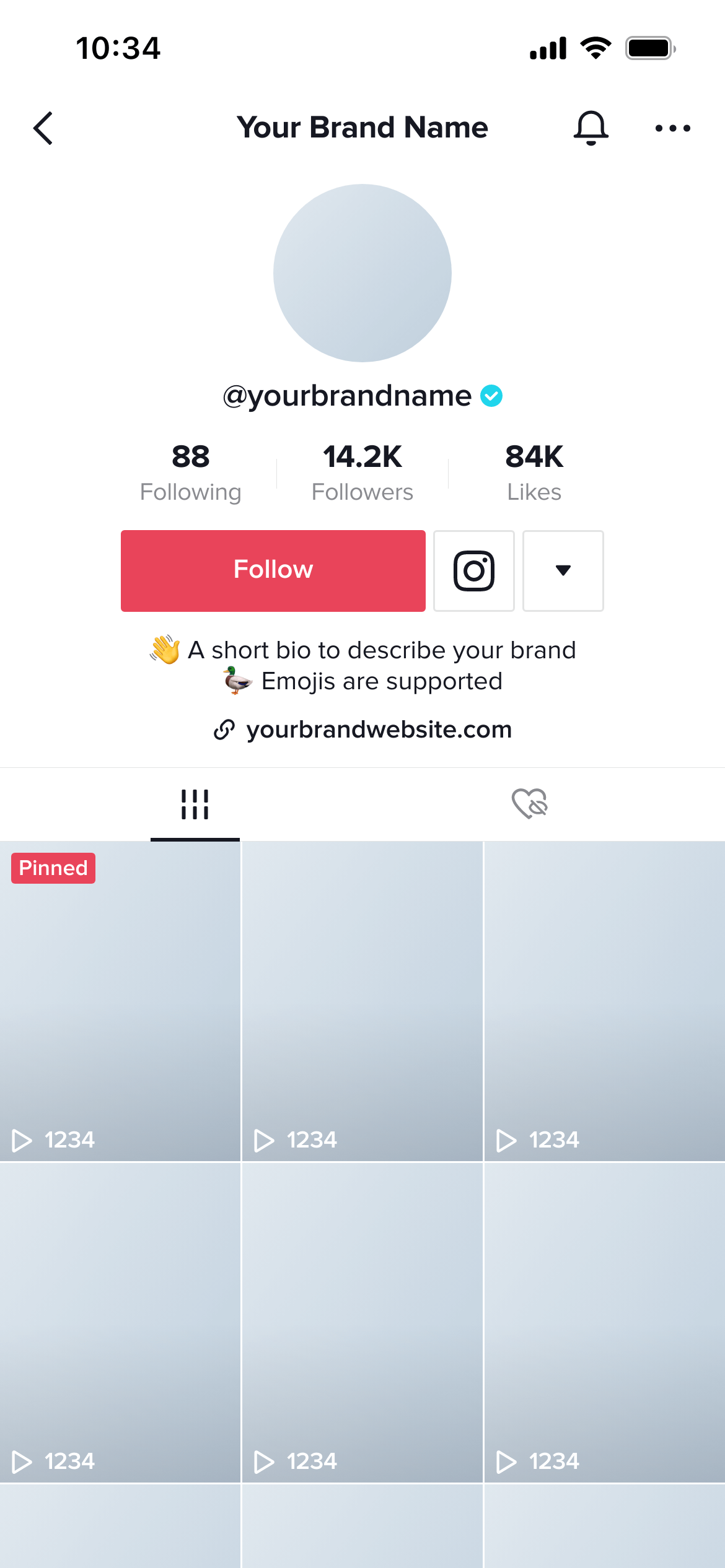
Create real TikTok Video mockups using our mockup builder - no Photoshop or design skills needed.
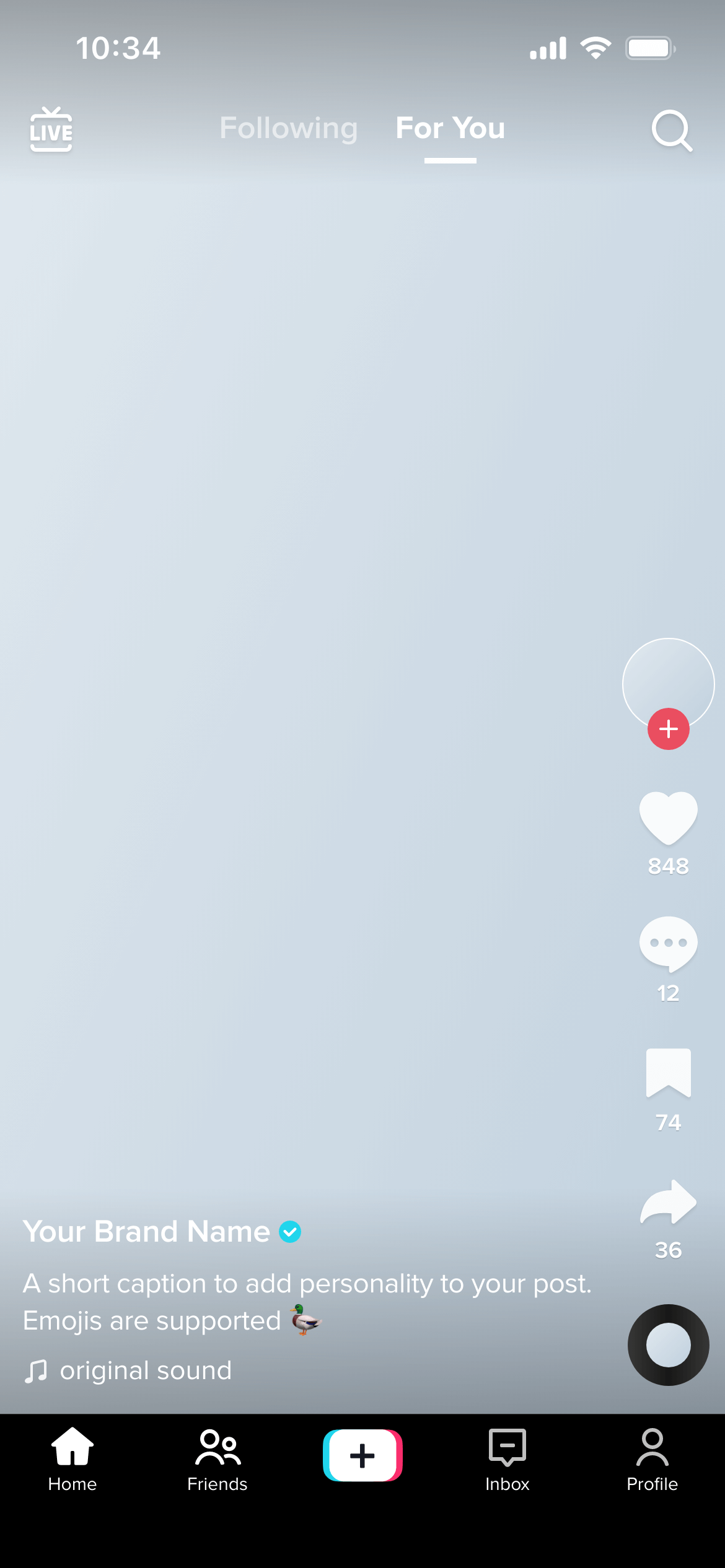
A TikTok video mockup is a full-screen preview of how a TikTok video looks during playback - including the profile photo and username on the left, the caption, hashtags and sound name at the bottom, and the like, comment, share and follow buttons on the right. It shows the complete viewing experience, not just the raw video frame.
TikTok’s in-app viewing experience is very different from watching the same video file outside the app. The overlay UI - username, caption, sound info, engagement buttons - takes up a significant portion of the screen and changes how the content is perceived.
A mockup helps clients evaluate:
Pre-production approval - Get sign-off on the concept, caption and hashtag strategy before committing to video production. Changing a caption is free; reshooting a video is not.
Campaign content batches - Mock up a week of TikTok content thumbnails and captions, group them in a workspace, and send one review link.
Influencer briefs - Share a TikTok video mockup as part of a creator brief to show the exact overlay format the content should be designed to accommodate.
Ad creative review - TikTok ads use the same in-feed format as organic posts. Mock up ad creative before committing to production spend.
Choose the cover image carefully. The video cover is the only still frame shown in the grid and in search results. It’s worth treating as a designed asset, not just a random frame.
Keep the caption concise. Captions that run more than two lines fold into a “more” truncation. Make sure the key message is in the first line.
Check hashtag length. Long hashtag strings eat into the viewable area of the video frame. Preview them in the mockup to find the right balance.
Join thousands of social media marketers like you using Mockupduck to plan, visualize and get fast approval on their social media content