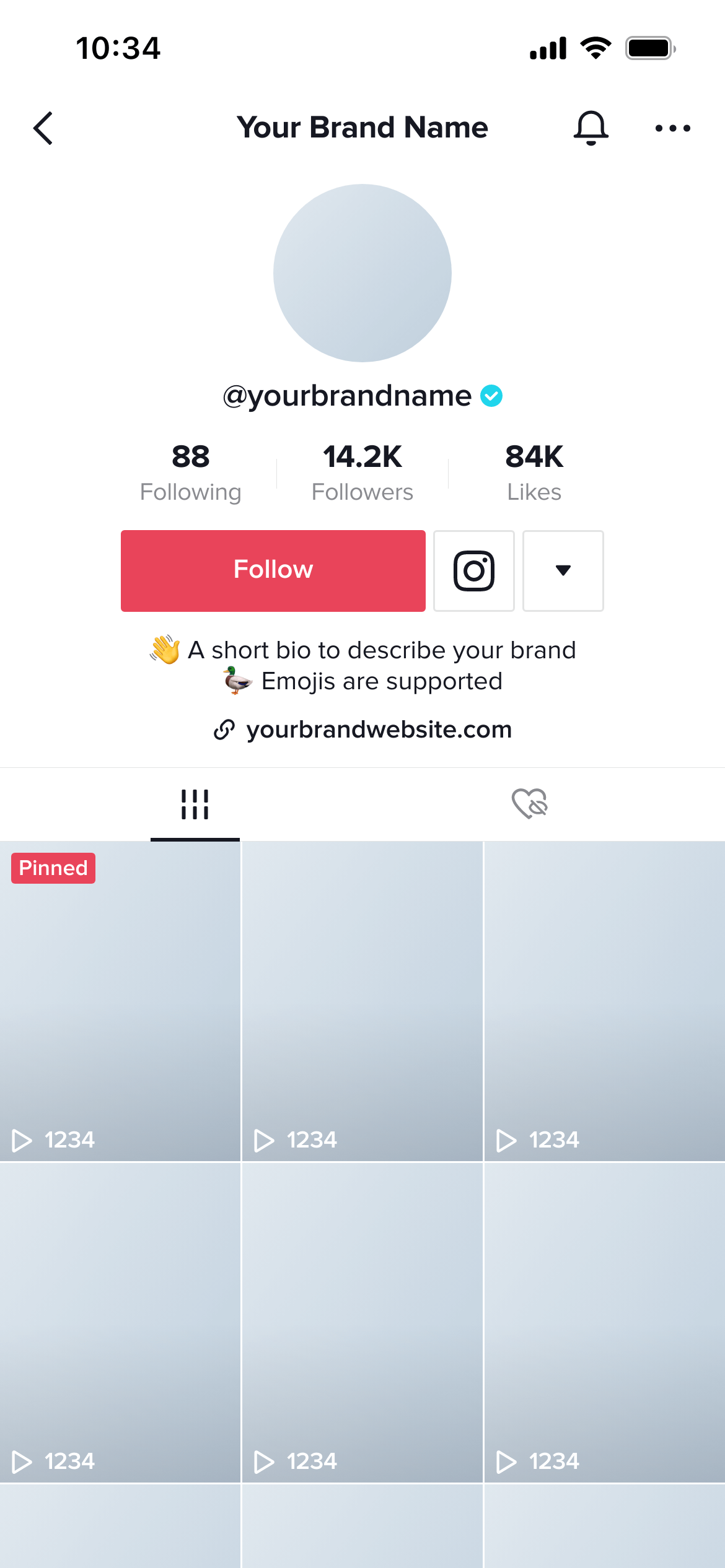
Create real TikTok Profile mockups using our mockup builder - no Photoshop or design skills needed.
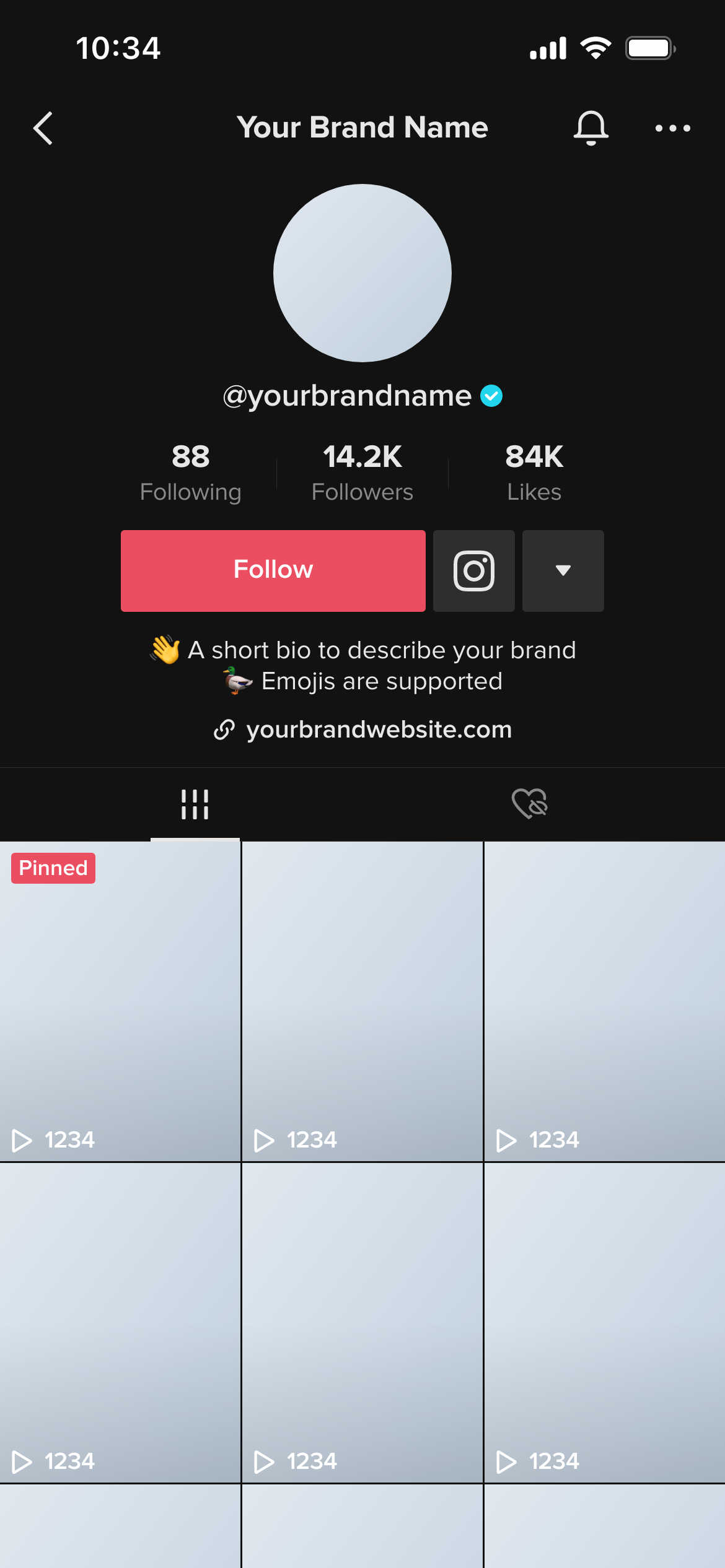
This template renders a TikTok profile exactly as it appears when the viewer has TikTok’s dark theme enabled - dark backgrounds, light text, and the profile content displayed against the dark interface TikTok uses.
It’s the dark-mode counterpart to the TikTok Profile (Light) template.
TikTok’s default interface tends darker than Instagram’s even in light mode, but the full dark theme takes it further. The video thumbnails, username, bio text and follower stats all render against a near-black background that can significantly change how profile branding reads.
Profile photos or cover images with dark edges can appear to bleed into the background. Bio text or display names that relied on contrast with a lighter UI may lose visual separation. Presenting a dark mode preview alongside the light mode version ensures clients have approved both states.
Compare directly with the light mode version. The value of a dark mode mockup is in the comparison. Add both to the same workspace and send one review link so clients can see them side by side.
Check profile photo edges. Photos with dark, near-black or very low-contrast edges can visually merge into TikTok’s dark background. This is most visible in the profile view.
Evaluate bio legibility. Light text on a dark background at small sizes can lose readability. Verify the bio reads clearly in both themes.
Join thousands of social media marketers like you using Mockupduck to plan, visualize and get fast approval on their social media content