Create real Instagram Story mockups using our mockup builder - no Photoshop or design skills needed.
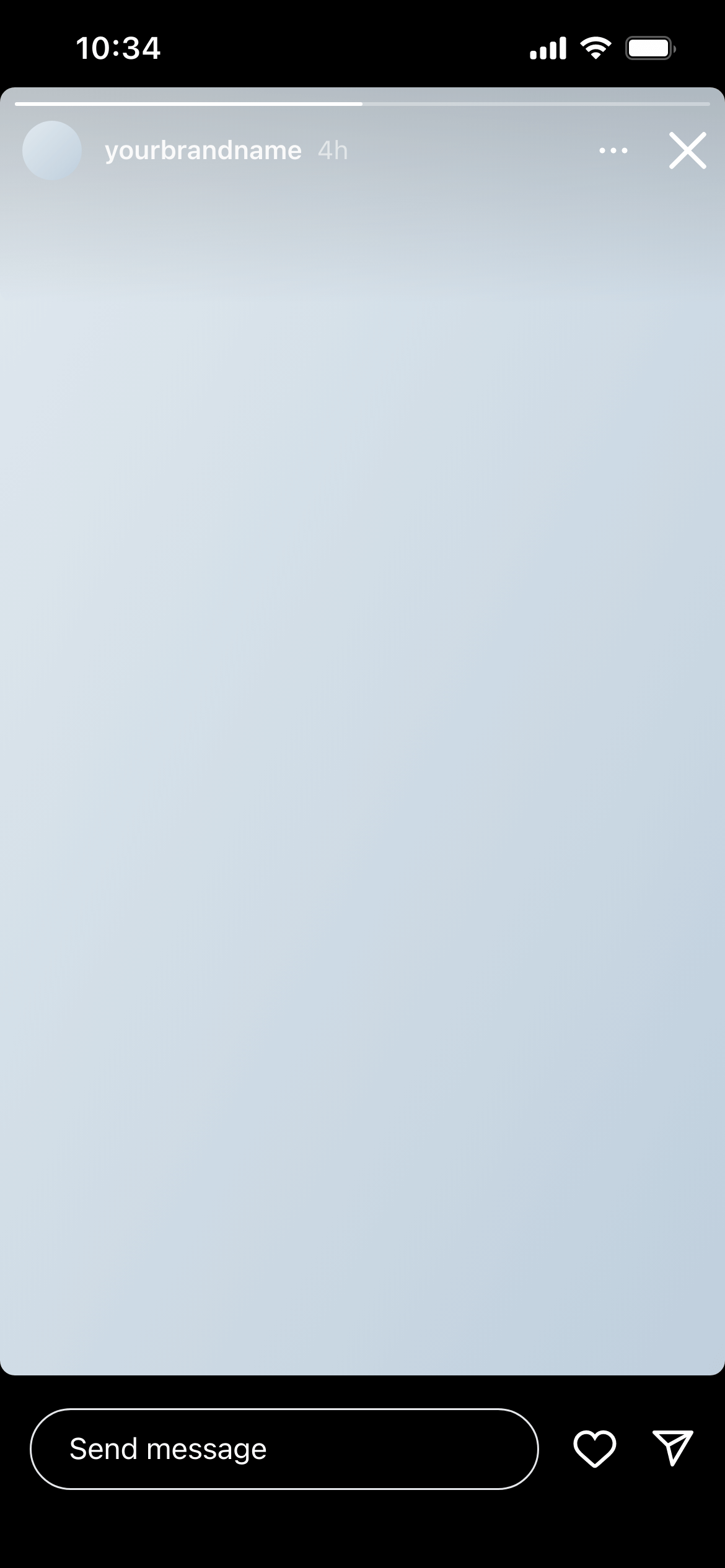
An Instagram Story mockup is a full-screen 9:16 preview of how a Story will look inside the Instagram app - complete with the profile photo, username, progress bar at the top and the tap-forward/back overlay. It shows exactly how the content will appear to viewers, not just the raw image in isolation.
Story mockups are used by social media managers presenting a content plan, agencies getting sign-off on campaign Stories before production, and designers showing how brand assets translate into the Story format.
Stories behave differently to feed posts. The 9:16 format means content designed for a square or landscape post looks completely wrong as a Story. The profile and progress bar UI at the top, and the CTA and swipe-up area at the bottom, cover parts of the image that look fine when viewed as a standalone file.
A Story mockup eliminates those surprises. Clients see the content in the exact format and context it will appear in - and can flag if a key message is hidden behind a UI element before production is complete.
Campaign story sequences - Mock up each slide in a multi-story sequence to show the narrative flow. Clients can evaluate whether the content works as a series before the design is finalised.
Product launches - Story ads and organic launch Stories often need fast approval. A mockup sent via review link gets sign-off in hours rather than days.
UGC and influencer briefs - Show creators exactly what format, safe zones and visual style the Story content should follow. A mockup is a clearer brief than a written spec.
Seasonal campaigns - Preview how holiday or promotional Story graphics fit the 9:16 canvas before committing to final production.
Many agencies and freelancers use Story mockups as a “fake Instagram Story template” for pitches and client presentations — not to deceive, but to present planned content in its real context before anything goes live. Instead of attaching a flat image file to an email, you send a link that shows the Story exactly as it will look in the app.
This approach works especially well for campaign proposals, influencer briefs and brand pitches where stakeholders need to feel the content rather than just see the file.
Design to the safe zones. Keep critical text and CTAs between 250px and 1670px from the top of the canvas (on a 1080×1920 frame) to avoid the profile UI and the swipe-up area covering them.
Use 1080 × 1920 px assets. Stories that aren’t designed to the full resolution are letterboxed or stretched. Build to spec from the start.
Show the sequence. If you’re presenting a multi-slide Story, create a mockup for each slide and add them to a workspace. Clients evaluate stories as a sequence, not as individual frames.
Join thousands of social media marketers like you using Mockupduck to plan, visualize and get fast approval on their social media content