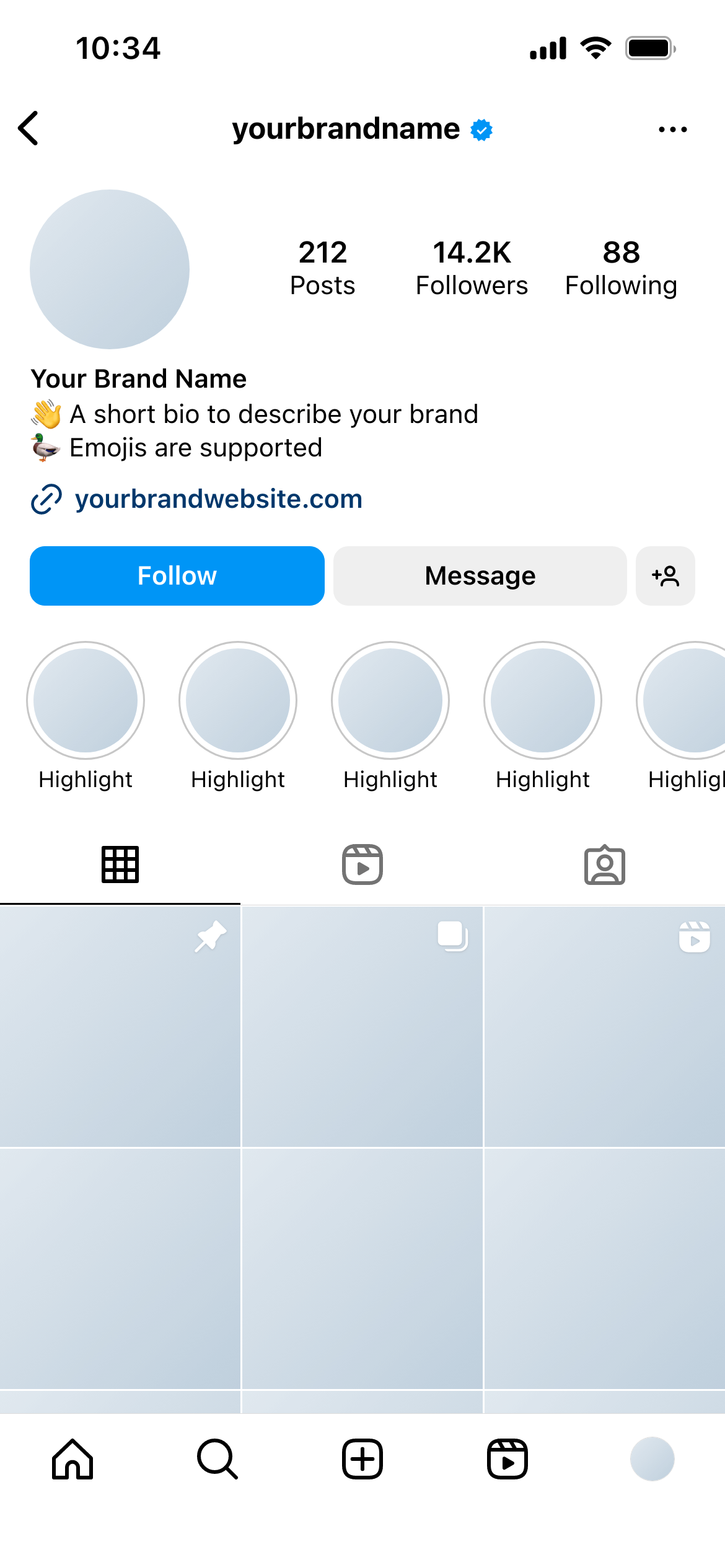
Create real Instagram Profile mockups using our mockup builder - no Photoshop or design skills needed.
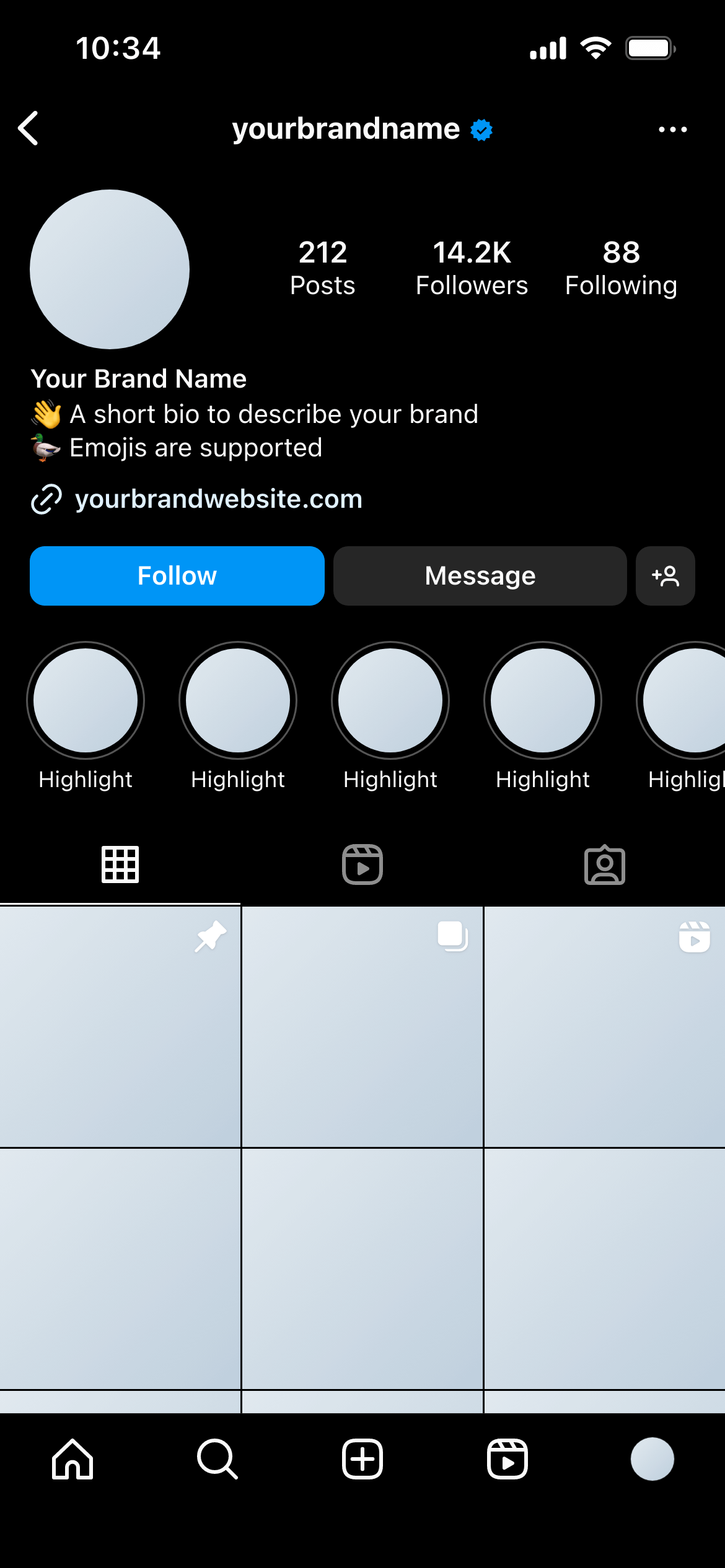
This template shows an Instagram profile exactly as it appears when a viewer has Instagram’s dark theme enabled - dark backgrounds, inverted UI chrome, and the profile content rendered against the dark colour scheme Instagram uses.
It’s the dark-mode counterpart to the Instagram Profile (Light) template.
A significant and growing share of Instagram users have dark mode enabled at the OS or app level. Content that looks polished in light mode can look very different - sometimes worse - when the interface switches to dark. Text that was readable over a light background may lose contrast. Highlight covers that look clean in light mode can look jarring against a dark background.
Presenting both a light and a dark mode mockup to clients is a mark of thoroughness. It shows you’ve considered how the profile will look across the full range of viewing conditions, not just the default.
Include it alongside the light mode version. Send both to clients as part of the same workspace review. It takes minutes to set up and shows a level of care that distinguishes your work.
Check highlight covers in both modes. Highlight covers are profile-specific branding. An icon that reads clearly on a white background might not on a near-black one. Design covers that work in both, or create separate versions.
Pay attention to bio link text. The link preview colour differs in dark mode. If the client’s bio includes a URL, verify it’s readable in both themes.
Join thousands of social media marketers like you using Mockupduck to plan, visualize and get fast approval on their social media content