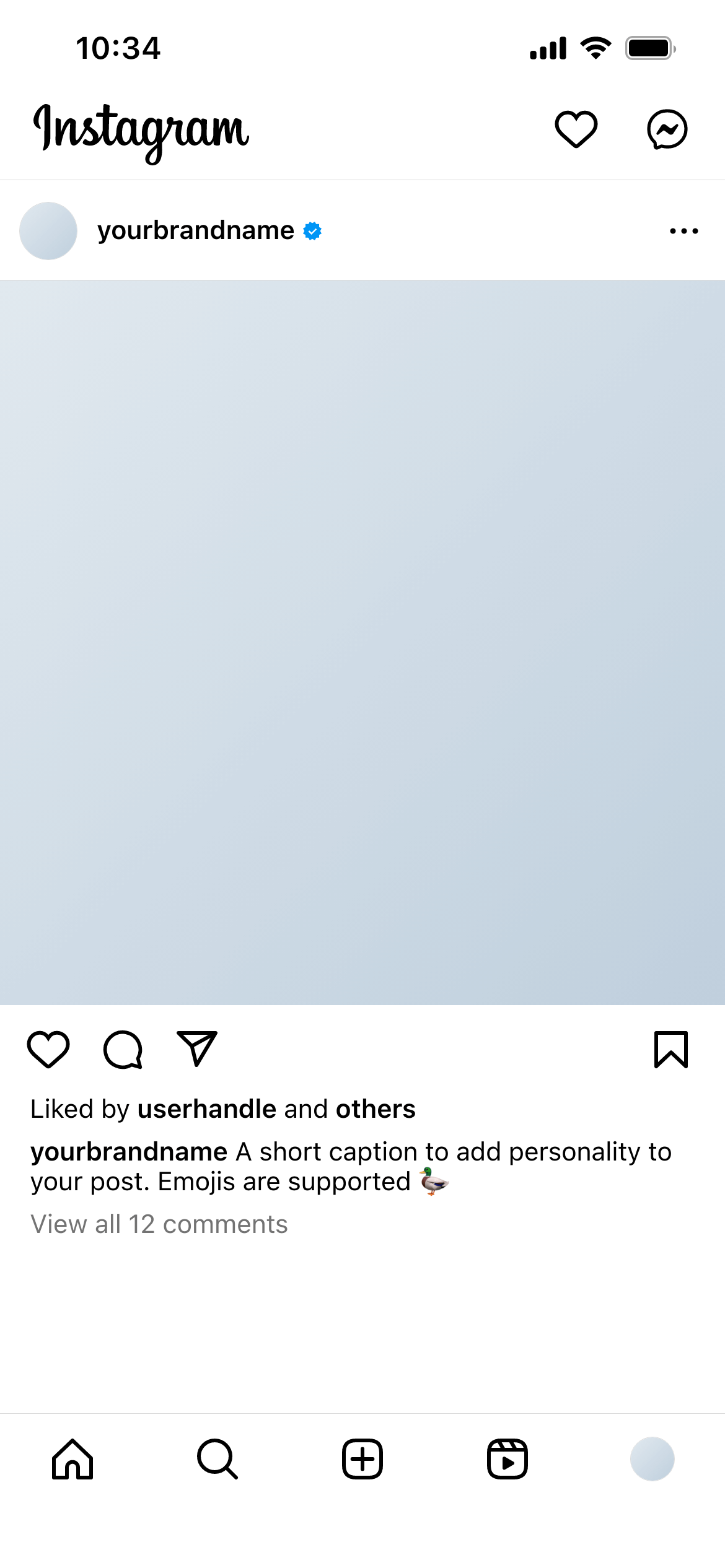
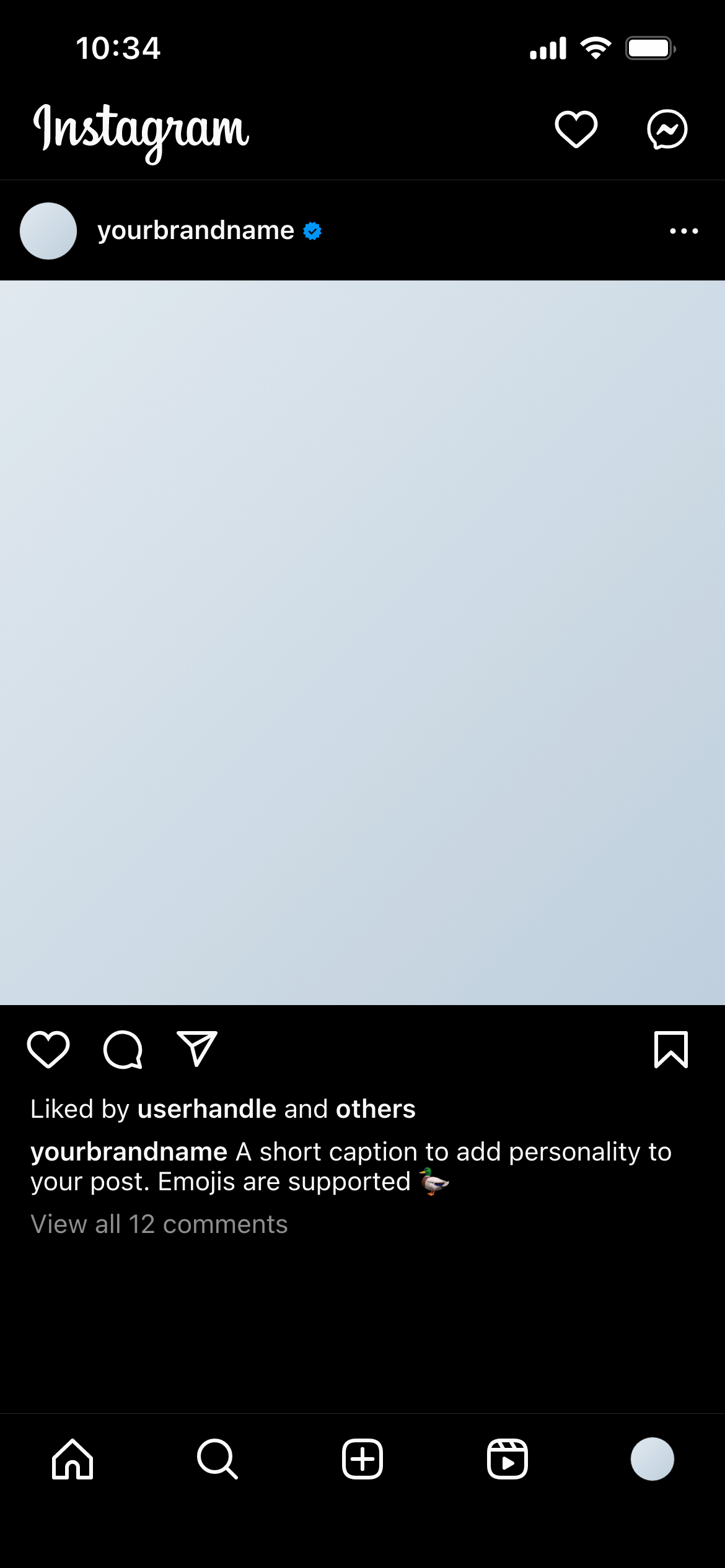
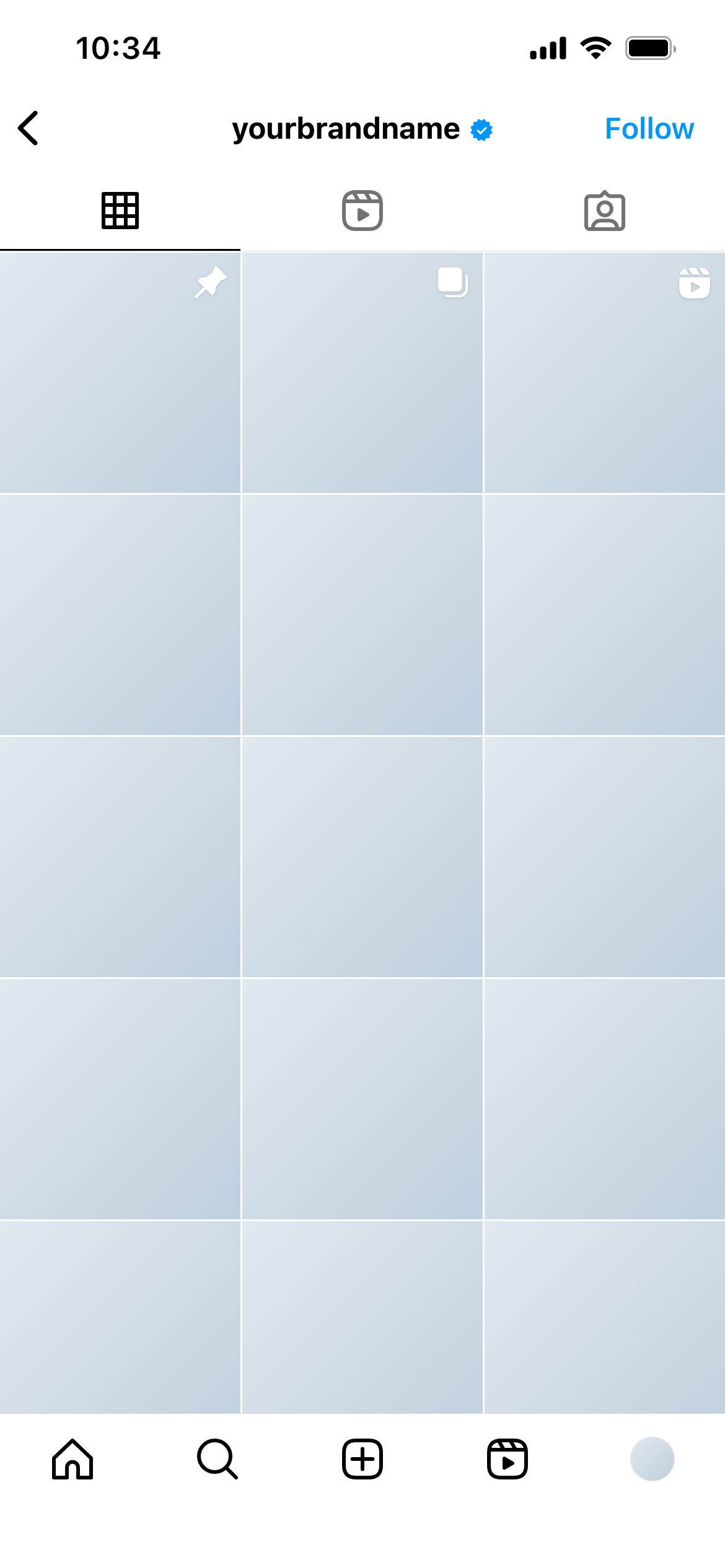
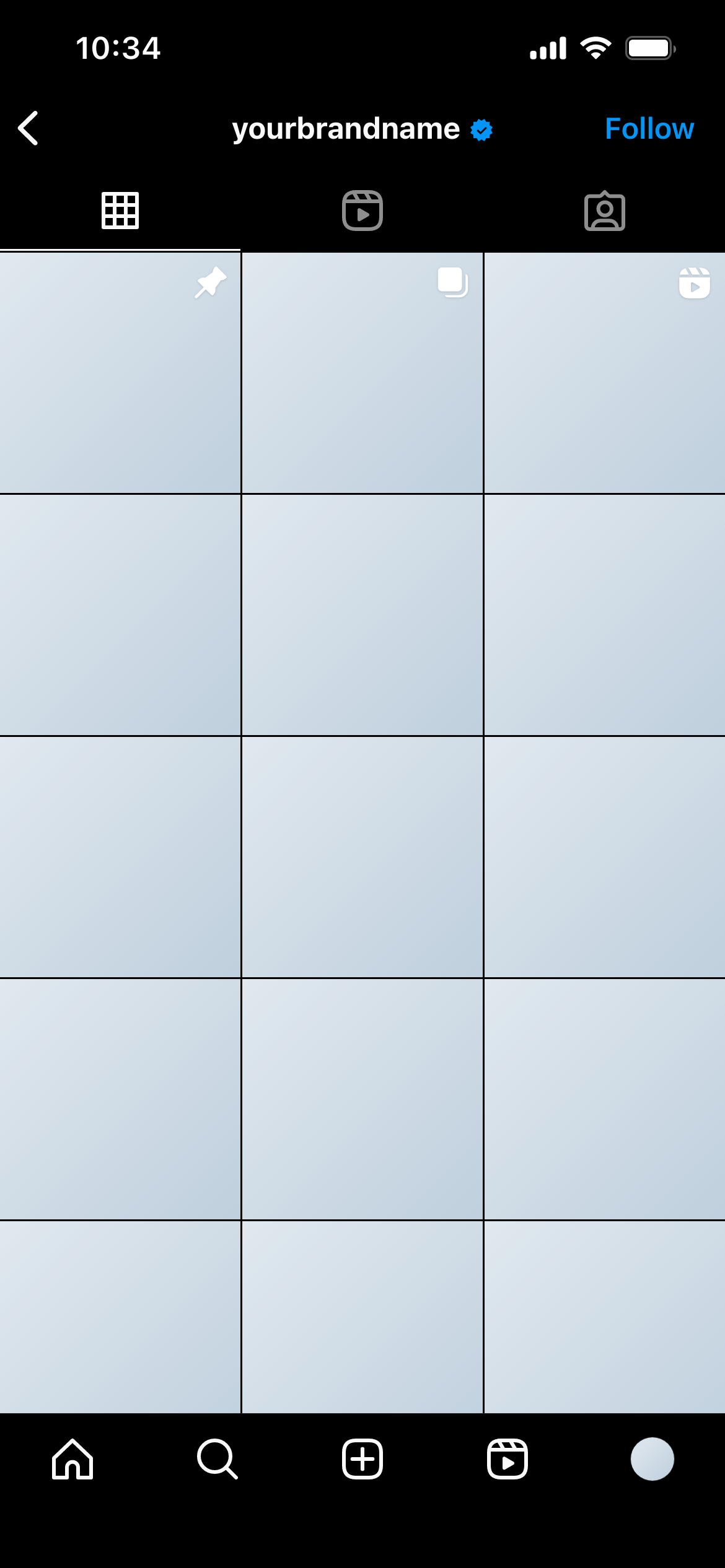
Create real Instagram Profile mockups using our mockup builder - no Photoshop or design skills needed.
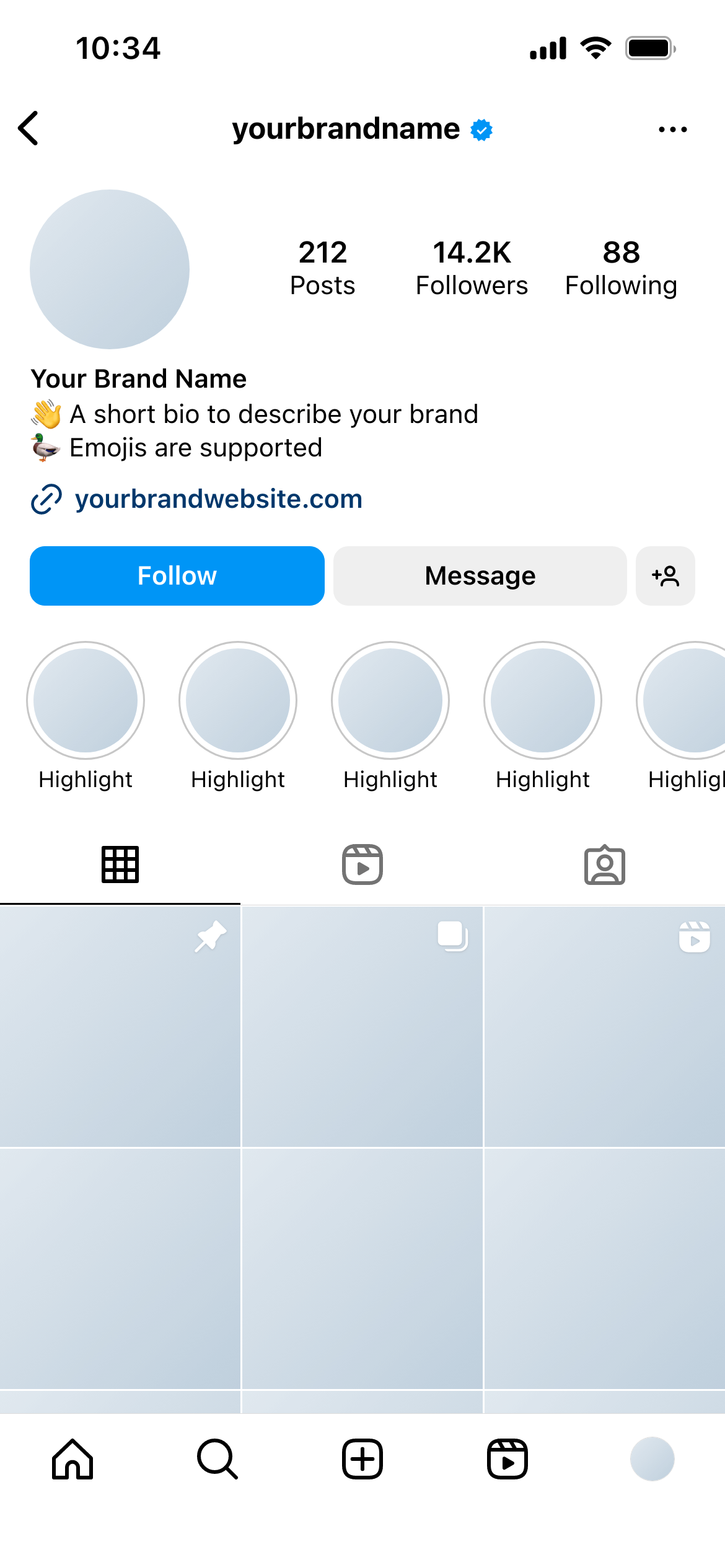
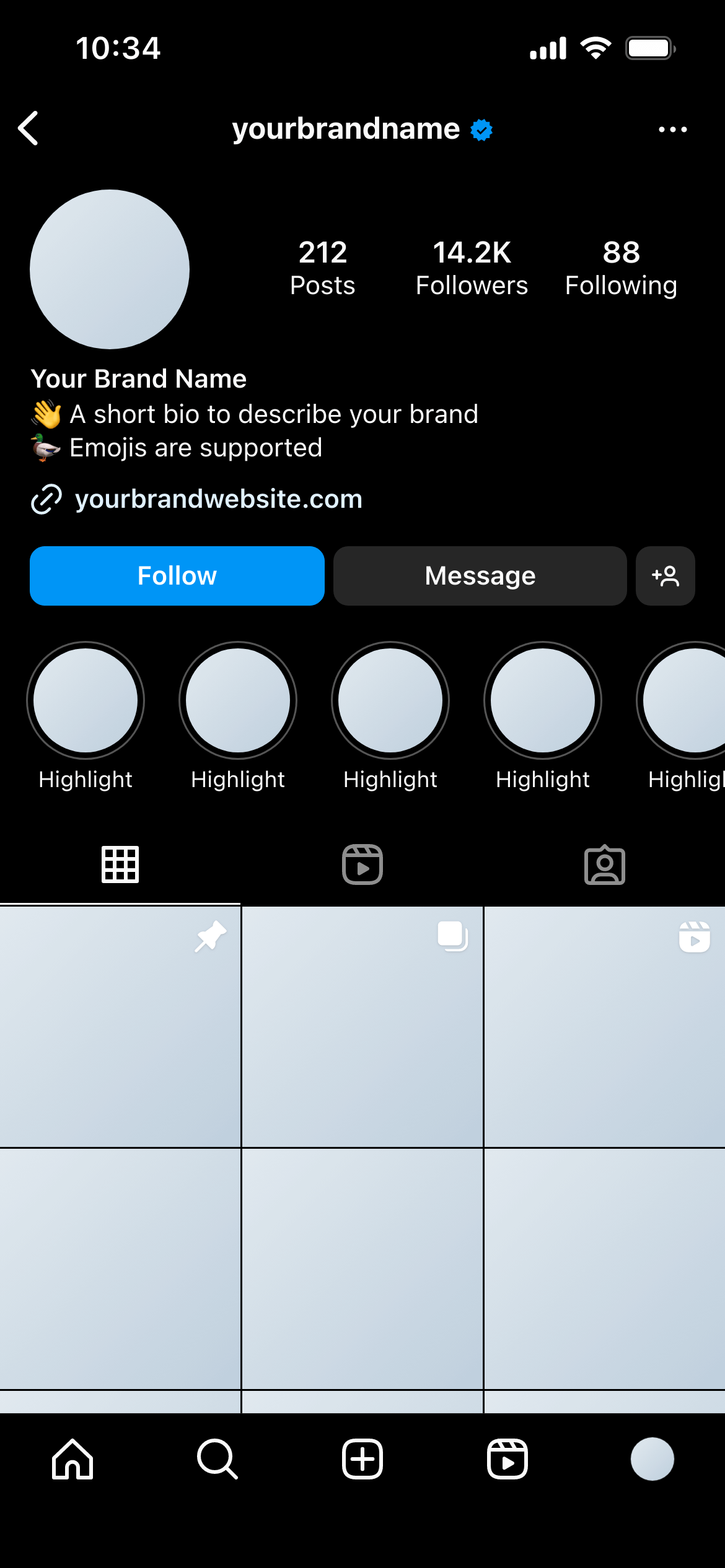
An Instagram profile mockup is a pixel-perfect preview of how an Instagram account will look - including the profile photo, username, display name, bio, follower and following counts, highlights row, and the post grid. It shows you (and your clients) exactly what the profile will look like in the app before any changes go live.
Profile mockups are used by social media managers pitching a rebrand, designers presenting a new visual identity, and agencies onboarding a new client who needs to approve the account setup before launch.
Making live changes to get approval risks publishing an unfinished state. A mockup lets you iterate freely and only touch the real account once everyone has signed off.
It also avoids the classic back-and-forth problem: clients who see a flat image in an email often struggle to picture how it will look on the actual platform. A mockup removes that gap - what they see in the preview is exactly what they’ll see when they open Instagram.
No Photoshop. No design skills. The mockup updates in real time as you type.
Social media managers use them to pitch a new account direction before touching the live profile. Agencies use them during client onboarding to get sign-off on the profile setup before producing any content. Designers use them to present brand identities in context - showing how a logo and colour palette translate into an actual social presence.
Use the actual planned username. Even if the handle isn’t live yet, using the real one makes the preview feel concrete and helps clients commit to a decision.
Fill in the bio completely. Don’t use placeholder text. The bio is where brand voice is most compressed - writing it out during the mockup stage often surfaces copy that doesn’t work at that length, which is far cheaper to fix before launch.
Pick grid images that represent the direction. Even rough placeholders that share a colour palette or visual style are more useful than random stock photos.
Check it in dark mode too. A significant portion of Instagram users use dark mode. Mockupduck shows the same profile in both light and dark themes - worth including in any client presentation.
Join thousands of social media marketers like you using Mockupduck to plan, visualize and get fast approval on their social media content