Create real Facebook Post mockups using our mockup builder - no Photoshop or design skills needed.
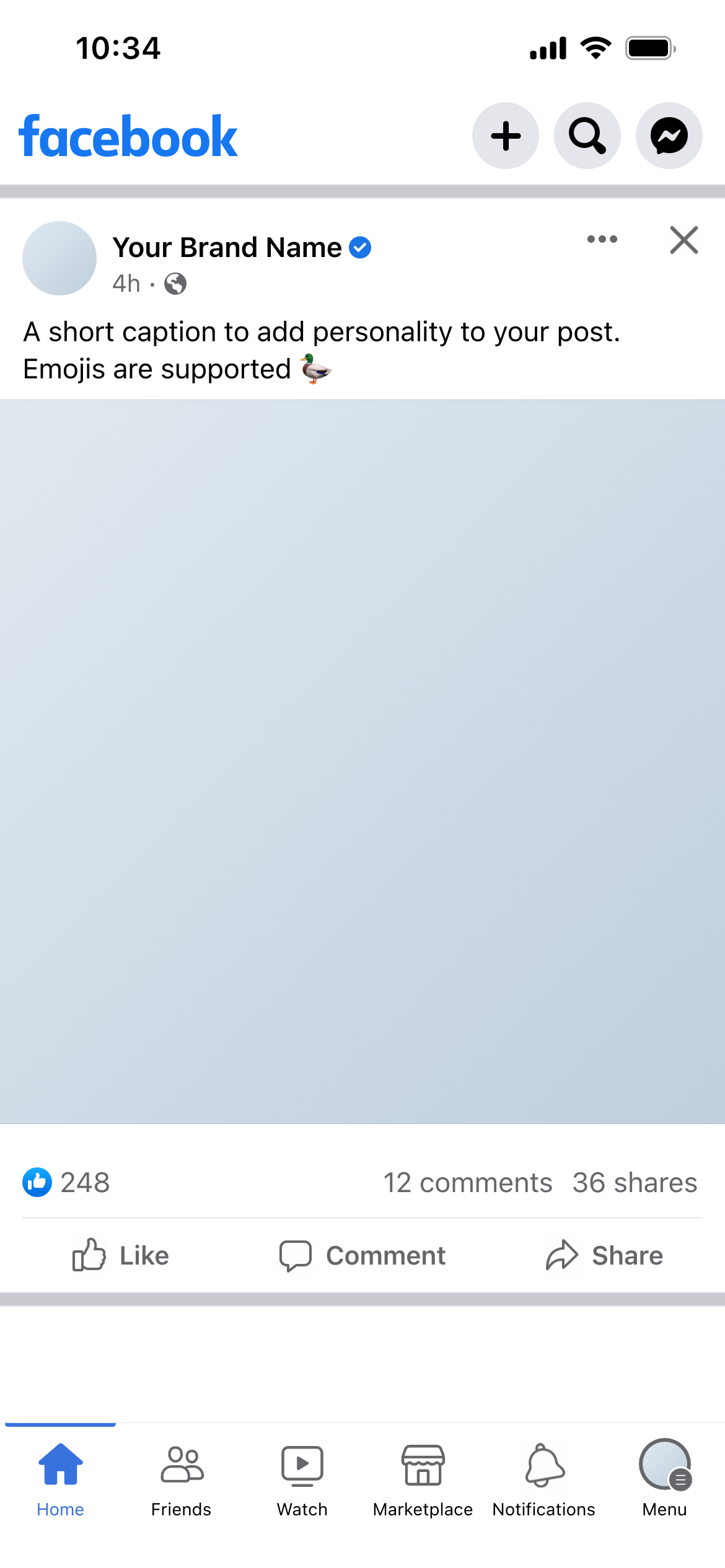

A Facebook post mockup is a realistic preview of how a post will look in the Facebook news feed - including the page profile photo, page name, post image, caption, reaction count and comment and share buttons. It shows the complete in-feed post context, not just the image in isolation.
Facebook’s feed UI is dense. The post image is surrounded by the page header above, the caption below, and the engagement row at the bottom. Content that looks strong as a standalone image can look very different framed by Facebook’s interface - especially when the page name, profile photo and caption copy are all shown together for the first time.
A mockup resolves this before the post is published. Clients can evaluate the full post experience - not just the creative asset - and give informed sign-off.
Organic content batches - Build a mockup for each post in a weekly content schedule, group them in a workspace, and send one review link. Clients see the full batch in sequence and can leave comments on individual posts.
Boosted post approvals - Posts being promoted as ads often need faster, more formal sign-off. A mockup sent via a review link with inline commenting is faster than PDF attachments.
Page rebrand presentations - When updating a page’s profile photo, cover image or posting style, mockups let clients see the changes before they go live.
Campaign launches - Show how campaign content will look in the organic feed format before it’s scheduled. Clients can evaluate caption length, image crop and overall presentation together.
Use the actual caption copy. Facebook captions can be long, and length affects how they display - long captions are truncated with a “See more” link. Preview the real copy to check whether the key message lands before the truncation point.
Set realistic reaction counts. For an established page, use ballpark real figures. For a new page or a launch, modest numbers in the hundreds read more naturally than zeros or very large round numbers.
Check the image crop. Facebook displays images at a 1.91:1 ratio in the feed for landscape images and 1:1 for square. Make sure your image is cropped to the intended ratio before uploading to the mockup.
Consider the caption–image relationship. Some posts let the image speak and keep the caption short. Others use the caption to provide context the image doesn’t. The mockup shows whether the balance feels right before the post is published.
Join thousands of social media marketers like you using Mockupduck to plan, visualize and get fast approval on their social media content

